

We still talk about NTSC in 2026 for good reasons. Why did your retro game console show a black-and-white image? What does the 72% NTSC label on your new monitor box really mean? Analog broadcasts are long gone. Yet this standard’s digital traces are everywhere.
Today we dive into engineering marvels and archiving tricks. Moreover, we cover everything from console modding to misleading monitor labels.
Don’t feel like you’re in a lab while reading this guide. Think of us as two enthusiasts sipping coffee and sharing years of experience. After all, this standard is more than just a TV system.
This legend pushes the limits of American engineering. Despite jokes about poor color, it has survived almost seventy years.
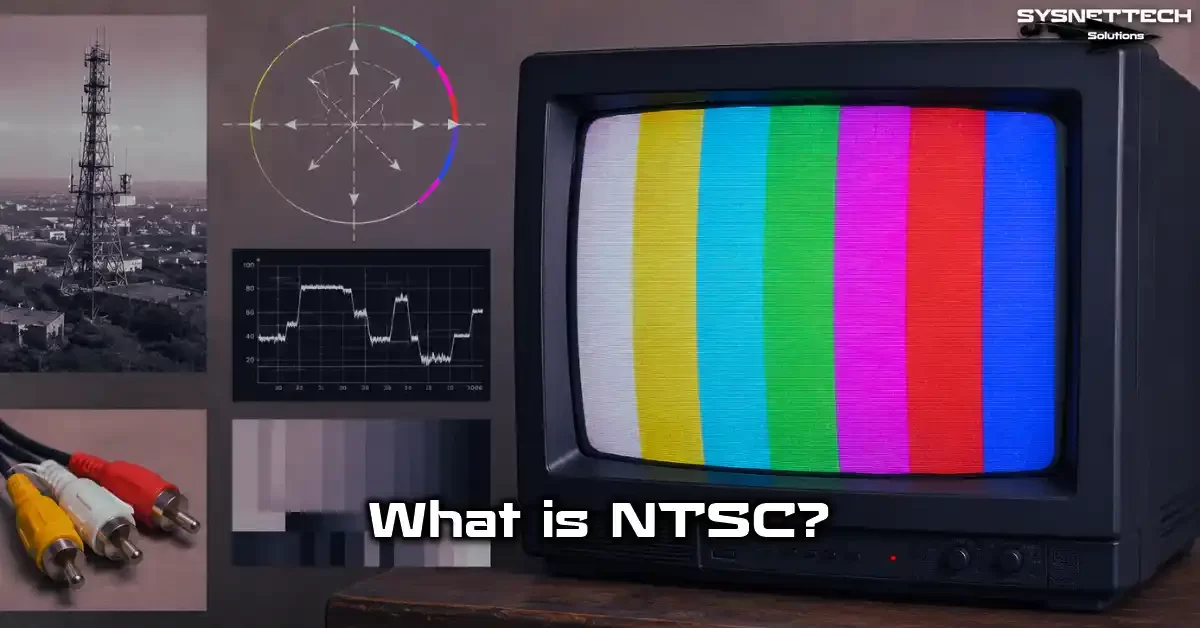
What is NTSC? The Cornerstone of Analog Television
First, let’s answer the most basic question. If you ask what NTSC stands for, it means National Television System Committee.
The Federal Communications Commission (FCC) formed this committee in 1940 in the US. Its job was to set a single TV broadcast standard nationwide. In short, it was a standards body.
This committee first proposed a 525-line system for black-and-white broadcasts in 1941. Later, in 1953, it made a revolutionary decision. It integrated color TV into the existing black-and-white infrastructure.
This allowed you to watch new color broadcasts on your old TV. That is exactly what NTSC means for the TV world: compatibility.
Today, most people hear this acronym in two different ways. First, as an analog TV broadcast standard. Second, as a percentage that shows the color gamut of monitors and laptop screens. So, when you see this term, immediately ask which context is being used.
National Television Standards Committee: What It Stands For and Means
The National Television Standards Committee is the original name.
This board, convened by the FCC, brought together electronics manufacturers, broadcasters, and engineers. The goal was clear. Every TV sold in the United States had to display the same signal without issues.
The committee began work in 1940. Its members included reps from giants like RCA, Philco, General Electric, and Zenith.
Engineers agreed on a resolution of 525 lines. They chose a 60-field scanning structure for 30 frames per second. This choice shaped North America’s visual memory for decades.
For the move to color, officials formed a second committee. They used the same acronym but replaced “Standards” with “System.” This gave us National Television System Committee. As a result, both uses became known as NTSC.
The Two Faces of NTSC: TV Standard and Monitor Color Gamut
Today, if you walk into a computer store, a sales rep might say, “This screen offers 72% NTSC.” Don’t let that confuse you. They aren’t talking about the analog broadcast format.
This concept references the area of the color triangle on the CIE 1931 chromaticity diagram. Experts define this area as a coverage ratio.
Developers created the NTSC color space in 1953. They based it on the colors that original CRT phosphors could produce. Today’s monitors cannot fully cover this triangle.
Modern panel technologies use different backlight and color filter systems. Still, marketers keep using this old standard as a benchmark.
The list below shows approximate sRGB equivalents and use cases for NTSC color gamut percentages:
- 45% NTSC — about 62-65% sRGB. It delivers muted colors. Users find it enough for daily office work and web browsing. But it’s insufficient for graphic design.
- 72% NTSC — about 99-100% sRGB. It provides vivid, accurate colors. It is ideal for content creation, photo editing, and gaming. Most IPS panels target this level.
- 95-100% NTSC — wide color gamut (Adobe RGB or DCI-P3 level). It is required for professional pre-press and cinematic color grading.
The History of NTSC: The Long Journey from Black-and-White to Color Broadcasting

Moreover, the emergence of this system was a product of engineering and political struggles. In the early 1940s, RCA wanted to impose its own electronic TV system.
However, CBS proposed a mechanically based color system. The FCC listened to both sides. As a result, the NTSC committee became the compromise.
The real excitement began in the 1950s. CBS’s field-sequential color system initially got FCC approval. But it wasn’t compatible with existing black-and-white sets.
RCA was working on a fully backward-compatible electronic system. RCA won the engineering battle, giving birth to the color encoding system we know today.
So, the following chronology clarifies the key historical milestones:
- 1940: The FCC established the National Television Standards Committee (NTSC).
- 1941: They approved the first NTSC black-and-white standard, setting 525 lines, 30 FPS, and 6 MHz channel bandwidth.
- 1950: The FCC approved CBS’s mechanical color system, but it failed in the market.
- 1953: The FCC approved the NTSC color television standard, ensuring backward compatibility.
- 1954: NBC performed the first national color broadcast with the Rose Bowl parade.
The 1941 & 1953 Standards: Turning Points in the Move from Black-and-White to Color
The 1941 standard was a monochrome system carrying only a luminance signal. It offered 525 lines of resolution and 30 frames per second.
The video carrier used amplitude modulation. Meanwhile, the audio carrier used frequency modulation, 4.5 MHz higher. This basic skeleton laid the groundwork for all later improvements.
Then, the 1953 standard was a revolution. Engineers managed to add color information to the existing luminance signal. They chose the YIQ color space for this.
The system keeps the luminance signal on the main carrier. It modulates the color information onto a subcarrier. As a result, old black-and-white sets saw only luminance and worked fine.
FCC, RCA, and NBC: Who Played What Role in Standardizing NTSC?
The FCC served as the official regulatory authority throughout. In fact, as the approving body, it set both technical and legal frameworks. The FCC approved black-and-white in 1941 and color on December 17, 1953. Many consider these dates the dawn of TV history.
RCA was the main force behind the scenes. Led by David Sarnoff, the team produced both broadcast gear and receivers. RCA Labs developed the YIQ color space and the color subcarrier frequency.
The team also designed critical solutions like quadrature modulation. RCA engineers worked tirelessly to ensure color-monochrome compatibility.
NBC was RCA’s broadcasting arm. It ran the first color test broadcasts. Public demonstrations showed the system’s potential.
This trio quickly made NTSC the undisputed standard in North America. Europe, however, rejected it and charted its own course.
NTSC Technical Details: 525 Lines, 29.97 FPS, and the Logic of Interlaced Scanning
Diving into the technical heart of this standard reveals fascinating engineering. You can quickly see the core parameters in the table below:
| Feature | NTSC Value |
|---|---|
| Total line count | 525 |
| Active line count | 486 (later 480 digital) |
| Field frequency | 60 Hz (59.94 Hz) |
| Frame rate | 30 FPS (29.97 FPS) |
| Color subcarrier | 3.579545 MHz |
| Audio carrier offset | 4.5 MHz |
| Channel bandwidth | 6 MHz |
| Aspect ratio | 4:3 |
The scanning method is interlaced. Each frame consists of two fields. The first field scans odd lines; the second scans even lines. Each field holds 262.5 lines.
So, 60 fields per second equals 30 frames per second—on paper. In reality, it’s a bit more complex. It uses exactly 29.97 FPS, not 30.
The system carries the color signal via quadrature amplitude modulation. Luminance information is wideband. The I and Q components have bandwidths of 1.3 MHz and 0.5 MHz.
This asymmetric design stems from the human eye’s higher sensitivity to orange-blue hues.
The Mysterious 29.97: The Engineering Story Behind Why It’s Not 30 FPS
People have long wondered why NTSC isn’t 30 FPS. The answer lies in an engineering crisis during color addition. The original black-and-white system ran directly at 30 frames per second. It synced perfectly with the 60 Hz power grid.
When moving to a color system, engineers wanted to prevent interference between audio and color carriers. So they slightly reduced the frame rate.
Engineers slowed the frame rate by a factor of 1.001. That gave 30/1.001, or roughly 29.97 FPS. This prevented audio and color carrier clashes.
The 29.97 story is mathematical elegance. The 3.579545 MHz color subcarrier and 4.5 MHz audio carrier stabilized at the new frame rate.
Even today, you deal with video production settings. So you must know the difference between drop-frame and non-drop-frame timecode. Otherwise, audio and video sync will drift.
Luma, Chroma, and YIQ Color Space: How NTSC Signal Is Encoded
An NTSC signal has three main components. Luma (Y) carries the brightness information needed for black-and-white compatibility. Chrominance transmits the color information.
Chrominance splits into two channels: I (In-phase) and Q (Quadrature). The I channel handles orange-blue. The Q channel handles purple-green.
Engineers optimized the YIQ color space for human vision. Our eyes are highly sensitive to orange-blue transitions.
So, the I channel gets a wider bandwidth. The Q channel is narrower. This smart engineering gives maximum perceived quality even with limited bandwidth.
Here is a summary of the I and Q channel functions:
- I channel (In-phase): 1.3 MHz bandwidth. It carries orange and blue tones. It’s wide because it’s the axis where the eye is most sensitive.
- Q channel (Quadrature): 0.5 MHz bandwidth. It carries purple and green tones. Therefore, it transmits at a lower resolution.
The Deep Anatomy of the NTSC Signal: Sync Pulses and Vestigial Sideband
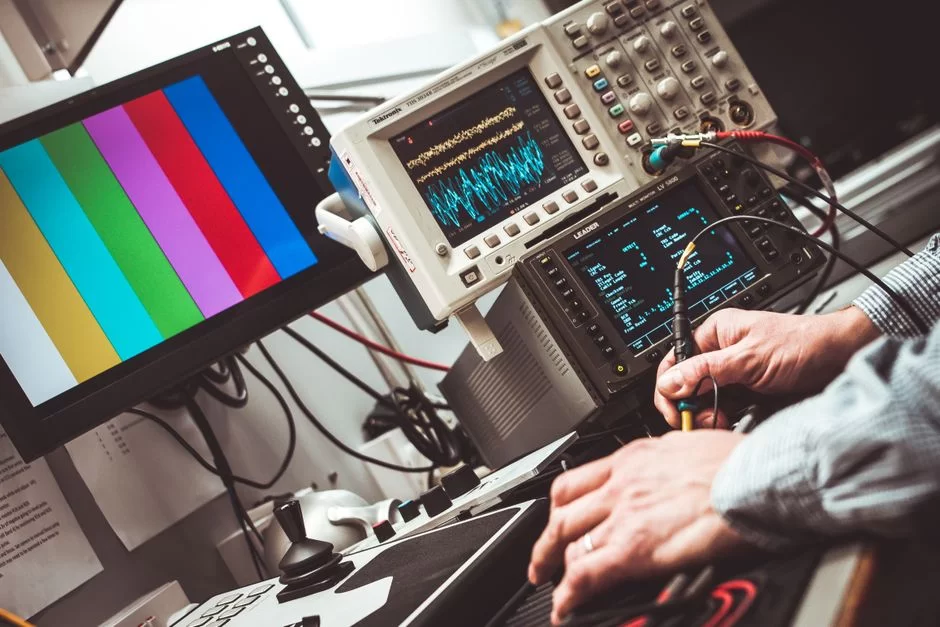
Think of an analog composite video signal. The signal carries luminance, color, horizontal and vertical sync pulses, and color burst all together.
This complex package fits into only 6 MHz using vestigial sideband. Vestigial sideband filters part of the lower sideband for spectrum efficiency.
The RS-170 standard defines the exact electrical properties of this analog signal. Developers precisely specified voltage levels, sync pulse widths, and timing parameters.
Professional broadcast gear must follow this standard closely. Otherwise, broadcast dropouts become inevitable.
The table below lists the critical timing elements in an NTSC analog composite video signal:
| Signal Component | Duration / Amplitude |
|---|---|
| Horizontal sync pulse | 4.7 µs |
| Color burst | 8-10 cycles, 3.58 MHz |
| Front porch | 1.5 µs |
| Back porch | 4.7 µs |
| Vertical blanking (VBI) | 21 lines |
Color Burst and Burst Gate: How Color Sync Is Achieved
For color images, the receiver must work in phase with the transmitter. That’s where the color burst comes in.
After each horizontal sync pulse, a reference signal follows in the back porch. It has 8 to 10 cycles and locks the receiver’s oscillator.
The burst gate circuit in the receiver catches this burst moment precisely. A phase-locked loop (PLL) locks the local oscillator to the reference. Without this lock, colors drift randomly. So, the color burst is one of NTSC’s most critical parts.
This mechanism is simpler than the similar structure in PAL. However, it is also more fragile. The smallest phase delay in the transmission line completely shifts the color hue.
That’s why NTSC receivers have a tint control. Users manually try to correct the color phase.
Dot Crawl and Rainbow Effect: NTSC’s Most Well-Known Image Artifacts
People know NTSC’s two most annoying artifacts as dot crawl and rainbow effect. Dot crawl shows up as moving dots near sharp edges. It happens because luminance and color signals can’t fully separate. Composite video has a hard time splitting them.
Rainbow effect creates false colors in fine stripe patterns. For instance, a presenter’s thin-striped jacket sparkles like a rainbow. This even influenced studio wardrobe choices back then. TV crews learned to wear solid colors.
Luckily, developers solved these issues with separate connections like S-Video and component video. In short, these systems separate luma and chroma signals.
Today, retro game fans even choose RGB or component cables for the best picture. But these original composite flaws are part of NTSC’s character.
NTSC vs PAL vs SECAM: Global TV Format Wars
History divided the world into three major analog TV camps. NTSC covered the Americas and Japan. PAL (Phase Alternating Line) conquered Europe, Australia, and much of Asia. SECAM (Séquentiel couleur à mémoire) took root in France, Russia, and parts of Africa.
The difference between NTSC and PAL lies in resolution and frame rate. PAL offers 625 lines and 25 FPS. In contrast, NTSC uses 525 lines and 29.97 FPS.
PAL’s higher line count means a sharper image. But NTSC’s higher frame rate gives smoother motion. Neither system has a clear advantage.
The table below compares the three major analog systems:
| Feature | NTSC | PAL | SECAM |
|---|---|---|---|
| Line count | 525 | 625 | 625 |
| Frame rate | 29.97 FPS | 25 FPS | 25 FPS |
| Color subcarrier | 3.58 MHz | 4.43 MHz | FM modulated |
| Color correction | Manual tint control | Auto phase correction | Memory based |
| Channel bandwidth | 6 MHz | 7-8 MHz | 8 MHz |
NTSC or PAL: Which Is Better? A Decision Guide Based on Use Case
There is no single right answer to this question. Everything depends on your use case. If you play retro games, NTSC is usually better.
Games run 17% faster on this standard and deliver a full 60 Hz refresh rate. Developers usually downgrade PAL versions to 50 Hz. So you feel a noticeable slowdown in games.
For video production, your country’s power grid frequency is key. In countries with a 50 Hz grid, like Turkey, you choose PAL.
This prevents fluorescent light flicker in your video. In 60 Hz regions, NTSC is the natural choice. Otherwise, you’ll get banding issues and light flicker.
Today, both formats work fine for YouTube and digital platforms. Most modern cameras support both standards.
Pick the right setting at the start and stay consistent during the shoot. Converting PAL to NTSC in post costs time and degrades quality.
NTSC in Turkey and the World: Which Countries Used This Standard, Who Still Does?
Turkey never used NTSC. It always remained in the PAL region. The country used PAL B/G. So, all TVs, VCRs, and game consoles sold were PAL-compatible. Connecting an NTSC device directly meant black-and-white or no picture.
If you ask which countries used NTSC worldwide, the list is quite long. Below are the main NTSC countries and their current status:
- North America: US, Canada, Mexico — switched to digital between 2009 and 2012.
- Far East: Japan (shut down in 2011), South Korea, Taiwan, Philippines (shut down in 2023).
- South America: Countries like Chile, Peru, Colombia. Most switched to ISDB-T.
As of 2026, NTSC use is limited to closed-circuit systems and niche broadcasts. After analog shutoffs, these countries went digital. Yet retro gamers and archivists still keep the format alive.
NTSC’s International Technical Equivalents: CCIR System M and the RS-170 Standard
In international terminology, we also call this analog TV standard CCIR System M. CCIR stands for Comité Consultatif International pour la Radio, the forerunner of ITU-R.
System M defines 525 lines, 6 MHz channel width, and 4.2 MHz video bandwidth. In short, you can think of CCIR System M as NTSC.
But there is a subtle distinction. CCIR System M specifies only black-and-white broadcast parameters. The color encoding method falls outside this definition.
So, some countries combined CCIR M with PAL color coding to create the PAL-M standard. Brazil is the most famous example of this hybrid.
The RS-170 standard is the electrical definition of NTSC in professional broadcasting. EIA (Electronic Industries Association) set this standard. It specifies signal amplitude, impedance, and timing values.
What Is CCIR System M? Is It Exactly the Same as NTSC?
CCIR System M is the international registration of 525-line black-and-white TV. It sets channel bandwidth at 6 MHz. Video bandwidth is 4.2 MHz. The audio carrier sits 4.5 MHz above the video carrier. The vestigial sideband works at 0.75 MHz. All these parameters form the foundation of NTSC.
But using CCIR M and NTSC interchangeably is technically incorrect. CCIR M defines the monochrome infrastructure. The color coding system is a completely separate layer.
That’s why we don’t define NTSC directly. Instead, we describe it as a color model built on CCIR M infrastructure. Brazil’s PAL-M example makes this distinction clear.
“Never The Same Color”: NTSC’s Color Issues and Cultural Legacy
We probably know this format best for its color inconsistencies. The joke “Never The Same Color” became legendary among engineers and technicians.
The phrase “NTSC never the same color” became an industry saying. It brutally summed up the system’s biggest weakness.
The root cause of color distortion is phase shift. During transmission, the color subcarrier’s phase shifts easily. Mountainous terrain, multipath reflections, or even a simple cable can shift the phase. PAL automatically fixes this by reversing phase line by line, but NTSC lacks this luxury.
The Root Cause of Color Distortion: Phase Shift and Tint Adjustment
NTSC color encoding uses quadrature amplitude modulation. This method encodes color information in the amplitude and phase of two carriers. Phase determines hue; amplitude sets saturation. Any impedance mismatch or reflection on the line shifts the phase.
As a result, green grass turns blue, and blue skies turn purple on screen. Human skin takes on a terrible red-pink tone. To fix this, the NTSC tint adjustment kicks in. Users manually correct the color phase using this knob, also known as hue control.
When you ask how to manually set NTSC tint, here’s the answer. During broadcast, the tech crew uses a reference skin tone or color bar test pattern.
Then you slowly turn the tint knob until colors look natural. But in today’s digital world, this hassle is completely gone.
NTSC Variants: NTSC-J, NTSC-U/C, and Their Technical Differences
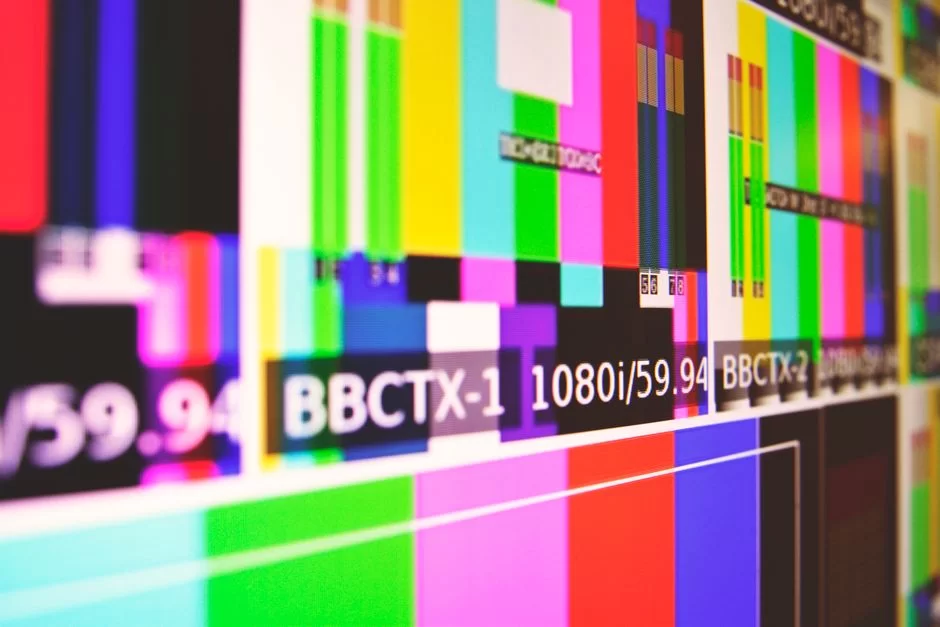
However, countries didn’t apply this standard the same way worldwide. Regional differences gave birth to three main variants.
NTSC-U/C is the standard for the Americas. NTSC-J is a Japan-specific adaptation. The differences between NTSC-J and NTSC-U/C seem small. But they cause major compatibility problems.
The most critical difference among these variants is the black level. The American standard uses a 7.5 IRE black level. In fact, the industry also calls this the setup level.
Japan uses a 0 IRE black level. So, in Japanese broadcasts, black is truly black. In American broadcasts, black is slightly grayish.
A comparison table clarifies the difference:
| Feature | NTSC-U/C (USA) | NTSC-J (Japan) |
|---|---|---|
| Black level | 7.5 IRE | 0 IRE |
| Color subcarrier | 3.579545 MHz | 3.579545 MHz |
| Audio subcarrier | 4.5 MHz | 4.5 MHz |
| Picture character | Slightly washed out | High contrast |
Japan’s Different Standard NTSC-J: Why It Offers Deeper Blacks
The NTSC-J variant stems from Japan’s unique broadcasting choices. Japanese engineers adopted a 0 IRE black level, achieving higher contrast.
This delivered impressive image depth even on CRT screens. Japan also had regions with mixed 50 Hz and 60 Hz power grids.
The black level difference affects not just broadcasting but also gaming and video gear. Japanese NTSC-J consoles look washed out when connected to American NTSC-U/C TVs. To fix this, you need RGB mods or special converters.
Additionally, NTSC-J sometimes uses a different stereo audio subcarrier frequency. These small details are vital for retro game collectors.
If you use the wrong gear, your console may show black-and-white or silent video. This happens when you connect it to a foreign TV.
NTSC in the Digital Age: What Does 45% NTSC, 72% NTSC Mean on Monitors?
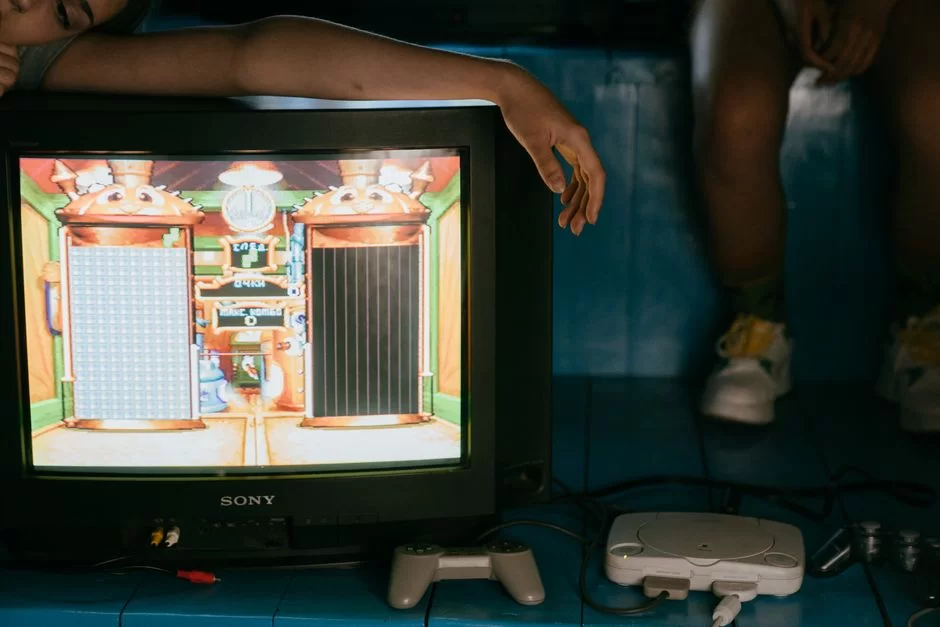
Now let’s get to the most confusing part. What does the NTSC percentage on a laptop spec sheet mean? It shows how much of the original 1953 NTSC color triangle the screen covers. It’s not an absolute quality measure but a relative comparison reference.
Today, no consumer monitor covers 100% NTSC. Engineers designed the original NTSC color space to be quite large and defined it for CRT phosphors.
Modern LCD and OLED panels can only show part of this triangle. Nevertheless, manufacturers still use this percentage as a marketing tool.
The table below gives approximate equivalents of popular NTSC percentages in other color spaces:
| NTSC Percentage | Approx. sRGB | Approx. Adobe RGB | Use Case |
|---|---|---|---|
| 45 NTSC | 62-65% | 45% | Basic office, web |
| 72 NTSC | 99-100% | 75% | Content creation, gaming |
| 95 NTSC | 130%+ | 95%+ | Professional print, HDR |
E-NTSC and Color Space Comparison: How Much sRGB Is 72% NTSC?
You’ll see E-NTSC especially in monitor reviews. It stands for Extended NTSC, meaning expanded NTSC. This is a non-standard term. Manufacturers sometimes market coverage above 72% as E-NTSC. But there is no official definition.
72% NTSC equals roughly 99-100% sRGB. The two color spaces don’t match exactly. sRGB sits slightly inside NTSC in green and red regions.
Still, in practice, you can view 72% NTSC as full sRGB coverage. This value is a safe bet for content creators.
45% NTSC equals about 62-65% sRGB. Such screens aren’t suitable for serious color work.
If you wonder how to convert NTSC to sRGB, there is no direct linear conversion. You need to use a color profile for colorimetric calculation.
Color Gamut When Choosing a Monitor: NTSC, sRGB, Adobe RGB, and DCI-P3 Hierarchy
Here’s the color space ranking from largest to smallest. Rec. 2020 is the widest. Next come DCI-P3 and Adobe RGB. NTSC is similar in size to Adobe RGB but differs in the green region. Meanwhile, sRGB is the smallest and most common.
Which is larger, NTSC or Adobe RGB? The question can confuse people. NTSC’s triangle is wider in blue than Adobe RGB. Adobe RGB surpasses NTSC in green.
Ultimately, both are close in size but don’t overlap completely. Adobe RGB is becoming the standard for print, while DCI-P3 is for video.
The following hierarchy helps you pick the right monitor:
- Rec. 2020 — the ultimate goal for UHD and HDR. Full coverage is impossible on current consumer monitors.
- DCI-P3 — cinema standard. Found on modern MacBook Pro and premium monitors. It’s slightly smaller than NTSC.
- Adobe RGB / NTSC (1953) — professional print-focused. Covers wide green and blue gamut.
- sRGB — the common denominator for web and standard content. We expect all monitors to offer at least 100% sRGB.
The End of NTSC and the Digital Transition: The ATSC, DVB-T, and ISDB-T Era
They pulled the plug on analog broadcasts at the start of the 21st century. The demand for spectrum efficiency and high resolution ended NTSC. Digital systems took its place entirely.
What people use after NTSC in digital TV varies by region. For example, the US adopted ATSC, Europe adopted DVB-T, and Japan adopted ISDB-T.
The analog-to-digital shift also brought a resolution revolution. High-definition TV formats like 1080i and 720p buried standard definition. Moreover, ATSC led this transition in North America.
Let’s quickly look at the difference between ATSC and NTSC. ATSC is fully digital and carries compressed MPEG-2 or H.264 video streams. NTSC relies on analog waveforms. ATSC supports HD formats like 1080i and 720p. This gave viewers a much sharper, cleaner picture.
At the heart of digital TV lie MPEG compression standards. MPEG-2 served as the backbone of DVD and broadcasting for years. Today, H.264 and H.265 have taken over.
US 2009, Japan 2011: The Stories Behind the Analog NTSC Shutdowns
In the US, analog NTSC broadcasts ended completely on June 12, 2009. Officials originally planned for February 17. But they gave extra time for unprepared households.
Digital converter box campaigns reached millions of homes. Yet many people in rural areas suddenly lost TV.
When did Japan abandon NTSC? Answer: July 24, 2011. They switched directly to the ISDB-T digital system. They completed this transition in the shadow of a major earthquake and tsunami.
The Philippines’ NTSC transition date is more recent. The country adopted ISDB-T and ended analog NTSC broadcasts in 2023.
Today, no national transmitter worldwide broadcasts analog NTSC anymore. Yet it lives on in closed-circuit security camera systems and retro gear.
The Legacy of NTSC Format in Digital Video Technologies: DVD, DV, and Resolutions
This analog format didn’t die; it just changed shape. The digital video world inherited NTSC’s parameters.
DVD, standard-definition digital broadcast, and DV camera formats directly use this standard’s numerical equivalents. In other words, NTSC’s legacy in digital video is continuity.
On DVD, NTSC resolution is 720×480 pixels. This is the digitized form of the 525-line analog signal. PAL DVD uses 720×576 pixels.
Digital video editing software still offers NTSC and PAL project settings. When starting a new project in Adobe Premiere Pro, you must make this choice.
The NTSC DV camera format follows the same logic. DV resolution is fixed at 720×480. In today’s 4K and 8K world, these values seem very low.
Developers built all digital video production in the 1990s and early 2000s on these parameters. For archivists, this legacy is hugely important.
In short, standards like NTSC gain meaning within technology’s layered development process. Each new invention stands on the shoulders of the last. This journey started in 1941 and reaches today’s 8K screens.
NTSC Digital Video Formats: Traces in DVD, VCD, SVCD & DV
The digital optical media era rose entirely on NTSC’s technical backbone. Video CD, or VCD, was a low-resolution adaptation of this standard.
NTSC Video CD resolution was limited to 352×240 pixels. SVCD reached 480×480. These formats gained huge popularity, especially in Asia.
With the DVD revolution, developers set NTSC DVD resolution at 720×480. They designed this to preserve all visible detail of the analog 525-line signal.
When you ask what NTSC 480p is, it emerges in this context. So, 480p refers to DVD-quality progressive scan images.
Amateur and semi-pro MiniDV cameras used the NTSC DV format. These images, transferred to the computer via a FireWire connection, form the basis of many family archives today.
Why Is NTSC DVD Resolution 720×480? Pixel Aspect Ratio Explained
720×480 resolution may seem odd at first glance. Why not 640×480? The answer lies in the pixel aspect ratio.
NTSC DVD pixels are not square; they’re rectangular. According to ITU-R BT.601, these pixels have a 10:11 aspect ratio. So developers slightly compressed them horizontally.
The player takes this compressed 720×480 image and expands it to 4:3 or 16:9 on screen. This way, the resolution looks right on old square screens and widescreen TVs. The NTSC 4:3 to 16:9 conversion uses this pixel geometry.
This technical detail appears today when you digitize DVD archives. If you don’t set the correct pixel aspect ratio, the image looks horizontally squashed or stretched.
Professional video editing software does this conversion automatically. Still, knowing the theory saves you time.
Living with NTSC: A Practical Usage Guide for Today (2026)
Analog broadcasts are dead. But this format’s ghosts still haunt us. If you own old VHS, Betamax, or Laserdiscs, you must learn to live with NTSC. Retro console fans also need to master its nuances.
Security camera systems still support analog NTSC and PAL cameras. Choosing NTSC or PAL for an FPV drone camera sparks debate.
Moreover, this question ignites heated debates among drone pilots. Racing pilots seeking low latency usually choose NTSC. The reason is simple: a 60 Hz video feed offers less delay.
Step-by-Step: Digitizing NTSC VHS and Betamax Tapes
You want to save a thirty-year-old family video. You have an NTSC VHS tape. Step one: Gather the right gear. You need: an NTSC playback VCR, a TBC (time-base corrector), and a video capture card.
Step two: Connect everything. Hook the VCR’s composite or S-Video output to the TBC, and the TBC’s output to the capture card.
Open capture software like OBS Studio or VirtualDub on your computer. Set the resolution to 720×480 and the frame rate to 29.97. Also, pick a deinterlacing method like Yadif or similar.
Step three: Record the tape. Play the tape from start to finish in real time. Watch out for signal dropouts. After capture, compress the file with a tool like HandBrake to an H.264 or H.265 codec. Remember to keep the frame rate at a constant 29.97 FPS. Otherwise, audio sync will drift.
Retro Game Consoles: Why 17% Faster and How to Use Them in Turkey

On old consoles, the NTSC vs PAL difference shows in game speed. NTSC games run 17% faster. The reason is the frame rate. NTSC offers 60 Hz refresh, while PAL is 50 Hz.
Developers usually wrote game engines for NTSC’s faster timing. When porting to PAL, they often let the slowdown directly affect the game.
As a result, a PAL game runs slower. Plus, you see black bars on screen. If you wonder whether an NTSC console works in Turkey, the answer depends.
Most modern TVs recognize both NTSC and PAL signals. If you use an old CRT TV, the results can differ. For example, connecting NTSC to a PAL TV gives only a black-and-white picture.
You can mod the console or use a good HDMI converter. But watch out for input lag from the adapter.
Especially in fast platformers, lag can be annoying. Those seeking lag-free solutions should look at dedicated upscalers like OSSC or RetroTINK.
NTSC in Video Production: Correct Settings for OBS, YouTube, and Premiere Pro
For today’s content creators, the camera NTSC/PAL setting is critical. If you shoot indoors under artificial light in Turkey, choose PAL. 25 FPS and 1/50 shutter eliminate light flicker. In natural light or abroad, use NTSC 30 FPS and 1/60 shutter.
The NTSC/PAL difference impacts OBS settings. Set the canvas to 1920×1080, then choose a frame rate matching your region.
If you’re wondering whether to use NTSC or PAL for YouTube, both are fine. The platform handles any frame rate without issues. What matters is staying consistent.
When creating a new sequence in Adobe Premiere Pro, pick the right preset. A wrong choice can cause flicker that looks NTSC-related.
To fix iPhone video flicker, go to Settings > Camera > Video Format and switch to PAL. Likewise, for FPV drone cameras, choose based on your flying region’s frequency.
Further Reading Resources for National Television System Committee
We drew on decades of field experience and technical documentation while preparing this guide. If you want to dig deeper, use the authoritative sources below. These links also give you easy access to standards bodies and academic work.
- Wikipedia: The NTSC article explains the system’s history and technical specs. It clearly compares the regions where it was used with PAL and SECAM.
- The Free Dictionary: This source defines NTSC as an analog color TV system. It also summarizes its history in North America and the digital transition.
- HowStuffWorks: This classic guide on how TV works includes a great NTSC section. The author explains scanning, color encoding, and synchronization with visuals.
Behind the Scenes of the American Video System: 8 Most Frequently Asked Questions
In the simplest terms, what is NTSC and what does it do?
Why is NTSC 29.97 FPS? What’s the reason it’s not 30 FPS?
What’s the difference between NTSC and PAL? Which one is better?
Does Turkey use NTSC or PAL?
Why do I see an old NTSC DVD or VHS tape in black and white?
What does “72% NTSC” mean when buying a monitor? Is it enough for graphic design?
What are “dot crawl” and “rainbow effect” in an NTSC signal?
Should I choose NTSC or PAL in OBS?
Conclusion: NTSC’s Legacy from Analog Past to Digital Future
This standard was once the world’s largest TV system. Developers shaped the NTSC standard with engineering skill and political battles. People even made fun of it for its color problems.
Despite that, it served as the window to the world for billions over nearly seventy years. Its analog signal is now silent forever. Yet its echoes still ring loudly in the digital world.
When storing your digital archives, MP4 container’s optimization features make your job easier. Plus, H.264 and H.265 codecs work beautifully inside it.
That percentage you see when buying a monitor whispers color coordinates set in a 1953 lab. The 720×480 pixel image in your DVD collection is a digital ghost of that old 525-line scan.
American engineers made a smart choice years ago. Thanks to it, you enjoy a smooth 60 Hz gaming experience on your retro console.
Understanding NTSC isn’t just about learning a technical standard. It’s about grasping the foundations of the digital age. I hope this guide has laid those foundations firmly for you.
Now you can digitize your old VHS tapes. Moreover, you can pick the right monitor and get the best from your retro console.
Golden Tips for Users Living with NTSC in a PAL Region
You live in a PAL country but use NTSC gear. Here are practical tips forged from years of experience.
First, always get a high-quality multisystem TV or monitor. Most modern panels auto-detect both formats. But don’t bother with old CRT TVs.
Second, invest in a good HDMI converter. Cheap ones cause input lag and color fading. Third, never try to capture NTSC VHS without a TBC.
Without a TBC, you’ll face horrible combing artifacts during deinterlacing. Finally, check your power supplies.
You may need a voltage converter when using Japanese NTSC-J consoles in PAL regions. If you like games running faster, choose original NTSC versions.
When archiving, always create a master copy with a lossless codec. In the digital world, NTSC is no longer a barrier—just a conscious choice.

Be the first to share your comment