

Decades in the sound engineering kitchen taught me one truth. When digital audio comes to mind, the first format people think of is still MP3. These tiny files set music free.
But a cloud of wild myths grew around it, too. Today, I won’t just define it. We’ll dig into this codec together, from its scientific roots to real-world facts.
Many folks link MP3 only with music downloads. Yet, in 2026, it’s still the backbone of podcasts, audiobooks, and ringtones.
Plus, AI-powered production tools have brought this old friend back to center stage. So, understanding the format deeply saves you time and storage space.
This is a journey from wild music piracy to the streaming era. Also, neuroscience now shows how compression leaves marks on our brains. I won’t gloss over any topic. I’ll blend hard science with my own studio stories!
What is MP3? The Core Definition of a Sound Revolution (2026)
MP3, officially MPEG-1 Audio Layer III, is a lossy digital audio compression format. It harshly cuts frequencies the human ear can’t hear.
Thus, it shrinks file size to about one-tenth. However, it does this with extreme smarts, using psychoacoustic modeling.
This codec you use every day is one of sound engineering’s most elegant creations. During compression, it examines the digital audio signal.
It deletes quiet sounds masked by loud ones on its own. The result? A file that sounds almost the same but is megabytes lighter.
Are MP3 and MP4 the Same? The Most Common Confusion
Absolutely not. Here’s a table showing the key differences:
| Feature | MP3 | MP4 |
|---|---|---|
| Type | Lossy digital audio format | Multimedia container format |
| Content | Audio signal only | Video, audio, subtitles, metadata |
| Usage | Music, podcasts, audiobooks | Movies, series, video clips |
The MP4 format is a bag; MP3 is a single item inside that bag. So, their use cases are totally different.
When you open an MP4 file, you get a video plus an audio stream. MP3, on the other hand, is pure encoded audio data.
A Short History of MP3: Journey from Lab to Pocket
It all started in the late ’80s with Karlheinz Brandenburg’s PhD thesis. Here are the key milestones:
- 1987: Fraunhofer IIS began perceptual coding research under the EUREKA project.
- 1993: They officially published the MPEG-1 Audio Layer III standard.
- 1997: Nullsoft launched Winamp. MP3 playback reached home users.
- 1999: Napster exploded P2P file sharing. Thus, the digital music revolution began.
- 2001: The Apple iPod effect brought the golden age of portable music players.
Today, the streaming era has changed all habits. Yet MP3 still lives in the infrastructure. In fact, we preserve old archives thanks to it.
The MPEG working group defines these formats. This body set universal norms for video and audio. Getting to the core, MP3 is the audio branch of this family.
The Science Behind MP3: Psychoacoustics & the Art of Compression
This codec’s power comes from using the ear’s physical flaws. When sound waves reach the inner ear, some frequencies mask others.
That auditory masking threshold principle lets you delete a huge chunk of data. As a result, you feel no difference, but the file shrinks dramatically.
The algorithm also applies the MDCT transform to move the time-domain signal into the frequency domain. Next, Huffman coding packs the remaining data losslessly.
It finishes this whole process in milliseconds because, behind the scenes, a smart buffer called the byte reservoir does its job.
Auditory Masking: The Trick Your Ear Plays on You
The human ear is no flawless mic. Here are the main masking types you face:
- Frequency Masking: A loud 1 kHz tone completely wipes out a quiet 1.1 kHz tone nearby.
- Temporal Masking: Your brain misses a soft violin note right after a loud snare hit.
The MP3 encoder ruthlessly drops these masked signals. It simulates a model of the human auditory system. So, you never notice the loss. But when you look at a spectrogram, you see big empty holes at high frequencies.
MDCT, Huffman Coding, and the Byte Reservoir: A Respectful Look at the Details
Compression happens in three key stages. Here are the steps of this technical dance:
- MDCT Transform: The system divides the audio signal into small, overlapping windows. Moreover, it turns these windows into a frequency spectrum. Thus, the system perfectly balances time resolution and frequency precision.
- Quantization and Huffman Coding: The encoder assigns more bits to unmasked bands. It replaces frequent bit patterns with shorter symbols. As a result, it achieves lossless compression.
- Byte Reservoir: This allows the encoder to use more data during complex orchestral passages. In a calm piano solo, it saves data. So, you get a steady feel of high quality.
This finesse still makes the format unique. That’s why developers also use joint stereo coding. Plus, they shrink the size even further.
Bitrate Guide: Which kbps Is Right for You? (96 to 320)
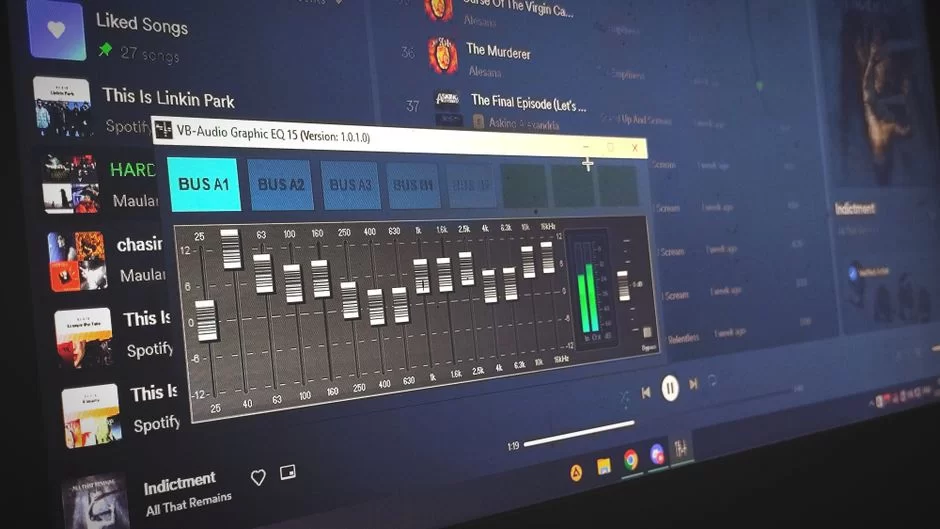
Bitrate is the amount of data used to represent one second of sound. 128 kbps means 128 kilobits per second. As this value rises, audio quality improves.
But file size grows in direct proportion. So, finding the perfect balance depends on your needs.
For years, I’ve advised podcasters to use 96 kbps mono because the speech-heavy content has a narrow frequency range.
On the flip side, a classical music archive needs 320 kbps CBR or VBR V0. You’ll feel the difference instantly with good headphones.
CBR vs. VBR: The Difference Between Constant and Variable Bitrate
Here’s a comparison of the two main bitrate modes:
| Feature | CBR (Constant Bitrate) | VBR (Variable Bitrate) |
|---|---|---|
| Quality | Variable, falls short in tough parts | Balanced, rises when needed |
| File Size | Predictable, fixed | Optimized for quality, smaller |
| Compatibility | Better on old hardware | Smooth on modern devices |
When I make MP3s from studio masters, I always use LAME’s V0 or V2 preset. In particular, V0, averaging 245 kbps, rivals 320 CBR. Moreover, file size is about 20 percent smaller.
The Ultimate MP3 Bitrate Selection Table by Use Case
| Scenario | Ideal Bitrate | Codec Setting |
|---|---|---|
| Podcast (mono) | 96 kbps | CBR / Joint Stereo |
| Car USB player | 192 kbps | VBR V2 |
| Bluetooth headphones (SBC) | 256 kbps | CBR / VBR V1 |
| Home theater system | 320 kbps | CBR |
| Mobile phone with limited data | 128 kbps | VBR V5 |
| Archival CD copy | 320 kbps | VBR V0 |
This table sums up years of hands-on skill. Of course, every ear is different. Now, can people really hear the gap between 128 and 320 kbps? On reference monitors, you clearly do. On a phone speaker, the gap blurs.
The Biggest MP3 Myths and the Scientific Truth
I run into hair-raising claims online all the time. Some think the format is dead. Others promise magic upscaling. The truth sits right in the middle. Let’s bust these myths one by one with hard science.
I’ll speak plainly as a sound engineer. Don’t trust any myth that goes against the math of digital audio compression because lost data never comes back. Also, a spectrogram never lies. Here are the five most common myths.
The “128 kbps MP3 Is CD Quality” Myth and the Painful Truth
Marketers tossed out this phrase in the late 1990s. Back then, internet speeds topped out at 56k modems. So, 128 kbps was a fair middle ground between size and quality. But it never offered CD-quality sound.
I ran ABX tests. Many volunteers clearly spotted the gap between 128 kbps and lossless audio. Moreover, they got it right 90 percent of the time.
So, you should shelf this myth now. By today’s standards, even 192 kbps is the bare minimum.
The “I Can Fix a Low-Quality MP3 by Converting to 320 kbps” Myth
This is the most painful myth in tech. Upscaling a file does not bring back lost data by magic.
You just pour the same low-quality content into a bigger bucket. In fact, detecting a fake 320 kbps MP3 takes only a few seconds with spectral analysis.
A low-bitrate file cuts all frequencies above 16 kHz. When you re-encode it to 320 kbps, those cut frequencies don’t miraculously return. Instead, the encoder adds artificial noise to the empty spectrum. Ultimately, the quality gets even worse.
“Is MP3 Dead?” The Format’s Future in the Age of Spotify and Apple Music
In 2017, when Fraunhofer’s patents expired, the tech press ran headlines like “MP3 officially dead.” But the opposite was true. The patent expiry set the format even more free. Now you can use it on any device with zero license fees.
- Spotify: It uses Ogg Vorbis on the web player, and AAC on mobile and desktop.
- Apple Music: It works with ALAC and AAC. It doesn’t natively support MP3 but lets you upload it.
However, this doesn’t mean MP3 went to its grave. Billions of old files, the podcast infrastructure, and embedded systems still depend on this format. Plus, at least half of audiobook platforms accept only MP3.
MP3 and Neuroscience: How Compressed Music Affects Our Brain
Post-2020 fMRI studies revealed interesting results. Lossy compression creates a cognitive load in our brains through pre-echo artifacts and ringing. To be precise, it tires the temporal lobe to a measurable degree.
In other words, the MP3 format directly impacts our brain. Consequently, listeners get tired more quickly without knowing why.
Also, blind tests show an important fact. On top of that, at 320 kbps and above, your neural load drops sharply. So, you can zero out this effect with the right settings. The neurological answer to the MP3 sound quality question lies right here.
Pro MP3 Usage Guide: Creation, Conversion & Repair
I’ll share the habits I picked up in the studio over the years. An MP3 made with the right encoder and settings is miles above amateur work. Plus, there are ways to fix broken files.
Step-by-Step Guide: Ripping Flawless MP3s from CD (Exact Audio Copy + LAME)
When I rip a digital copy from a CD, I use Exact Audio Copy (EAC) to fix errors. This software reads the disc sector by sector and retries even the smallest read error. Here are the steps I follow:
- Install EAC and calibrate your optical drive with the AccurateRip database.
- Define LAME’s latest version as your external encoder. Add
-V 0 --vbr-newto the command line to select the highest VBR quality. - Insert the CD and let EAC scan all tracks. Confirm the correct offset value.
- EAC creates temporary WAV files. Then LAME kicks in automatically, and the MP3 outputs are ready.
Files obtained this way easily beat the quality on commercial digital stores. You can also complete ID3 tagging through EAC using Freedb.
Repairing MP3 Files, Editing ID3 Tags, and Adding Album Art
Among MP3 repair methods, the tool I trust most is MP3val. It scans and fixes frame errors in the file.
It saves the day, especially for incomplete downloads. Also, the built-in verifier in foobar2000 works well.
For metadata editing, I suggest Kid3 or Mp3tag. You can handle batch jobs, including album art, easily. Here’s a practical checklist for you:
- Artist and album names must be complete.
- Don’t delete the gapless playback metadata, or you’ll ruin the album flow.
- Album art should be in JPEG format and at least 500×500 pixels.
Thanks to this, your playlist creation becomes perfect. The tidier the metadata, the greater the music joy.
Safe MP3 Downloads and Converter Choice: Beware of Viruses!
Online converters are where many users fall into traps. A harmless-looking “YouTube to MP3” site can embed adware or a Trojan inside the file.
The technical answer to “Can a virus hide in an MP3 file?” is this: The audio itself can’t run harmful code. But attackers can inject exploit code into the metadata or album art fields.
For conversion tasks, I prefer open-source tools like FFmpeg or Audacity.
If you ask, “Is the best MP3 converter safe?” the answer depends on the source. As long as you download from official sites, you’ll have no issues.
Practical Ways to Send MP3s via WhatsApp Without Quality Loss
WhatsApp applies its own compression when you send audio files. This drops your 320 kbps file down to 64 kbps. The most practical method to send an MP3 without quality loss is:
- Tap the paperclip icon in the chat.
- Select the “Document” option and choose your file.
- As an alternative, put the file in a ZIP archive and send that. WhatsApp won’t re-encode ZIP files.
With this method, the system transfers the file untouched. The recipient gets the original quality. You also get the added benefit of MP3 file security through encryption.
MP3 on Mobile: iPhone, Android & Ringtone Guide
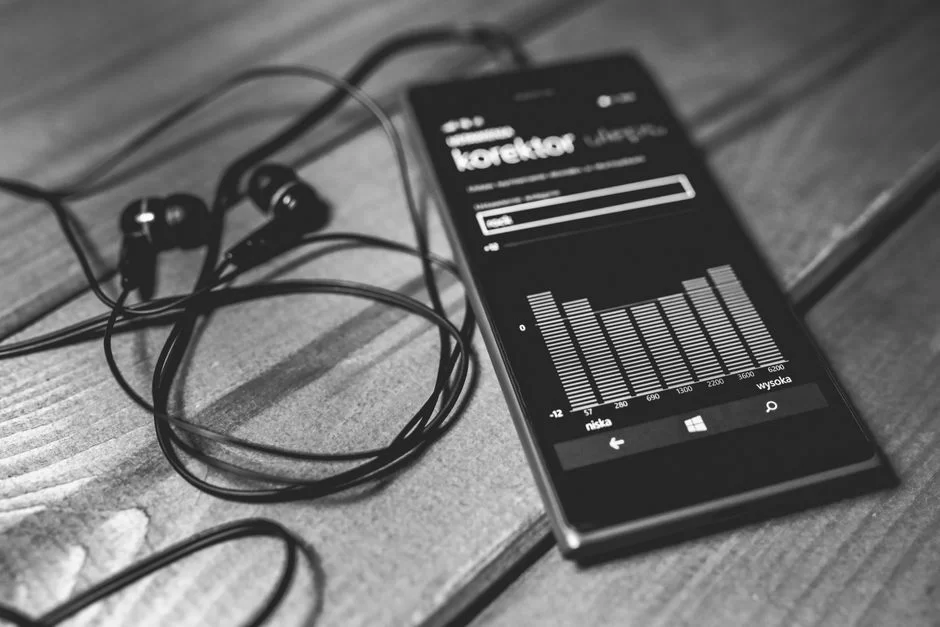
Smartphones are now as capable as studio monitors. With the right app and settings, you can lift the MP3 experience in your pocket to the top. I’ll also explain the differences between operating systems step by step.
How to Transfer MP3 to an iPhone and Listen to MP3 on Apple Music
Apple’s ecosystem is a walled garden, but it doesn’t shut out MP3. Here are the steps to transfer MP3 files to an iPhone:
- Connect your device via Finder (macOS) or iTunes (Windows).
- In the File Sharing tab, drag files to VLC or the foobar2000 mobile version.
- Upload through iCloud Music Library. Apple converts the file to 256 kbps AAC.
You might be torn between FLAC and MP3 on an iPhone. Even so, choosing MP3 still makes sense for battery and storage. On a 512 GB iPhone, you can store 6,000 MP3 albums instead of 1,500 lossless ones.
The Best MP3 Experience on Android: PowerAmp, Neutron, and Equalizer Secrets
Android is a land of total freedom for music lovers. Here are two expert picks and their features:
| App | Standout Feature | For Whom |
|---|---|---|
| PowerAmp | 64-bit audio processing, bit-perfect output, external EQ | Anyone looking for the best music player app |
| Neutron | Real-time spectral analysis, parametric EQ | Those chasing an audiophile listening experience |
When using the equalizer in PowerAmp, avoid too much gain. Boosting sub-30 Hz more than 2 dB crushes the dynamic range already limited in MP3. Instead, get a good pair of headphones first.
Step by Step: Making a Ringtone from MP3 (For iPhone and Android)
Turning an MP3 into a ringtone takes only a few minutes on both platforms. Here are the steps you need to follow:
- Open the MP3 file in Audacity. Select the start and end points and trim it to 30 seconds.
- Normalize the volume to -1 dB peak. Overloading causes popping on the phone speaker.
- For Android, copy the file directly to the Ringtones folder.
- For iPhone, add it to iTunes, convert to AAC, then change the extension to .m4r.
This way, you can make the catchiest chorus of any song your ringtone. The answer to how to improve ringtone quality is proper limiting and cutting.
MP3 and AI: Vocal Separation, Audio Enhancement & Music Production
AI has broken new ground in sound production. Today, separating vocals or instruments from an MP3 is just a click away. Best of all, most of these tools are free. I use this tech heavily in my own projects.
Separating Vocals and Instruments from MP3 Using AI (Free Tools)
When AI audio separation comes up, the first app people think of is Ultimate Vocal Remover (UVR). This tool uses deep learning models to mask the spectrogram. Here are two free and effective options:
- UVR (Ultimate Vocal Remover): It splits tracks into stems like vocals, drums, and bass. It leads in AI-based vocal removal for MP3s.
- Demucs: The Facebook Research team built this model. Also, it’s a strong model often used by local startups.
I use this tech a lot in podcast editing. I clean up background noise in one move. It’s also perfect for suppressing breath sounds in audiobook production.
Can You Produce Music in MP3 Format with Udio and Suno AI?
Udio and Suno AI are revolutionary text-to-music platforms. These tools typically output WAV or MP3.
Udio’s AI MP3 upload feature lets you feed your own vocal as a reference to the model. Thus, you tint the generated song with your voice color.
AI music production is maturing fast. However, the MP3s that come out are usually around 256 kbps VBR. Frankly, we find that files at this quality aren’t sufficient for pro mastering. Yet, it saves incredible time at the demo stage.
In the end, AI makes the MP3 format even more valuable because this codec is ideal for fast sharing and feedback loops. But you should always save the final product in lossless audio formats.
Spotting Real vs. Fake 320 kbps MP3 with Spectral Analysis
In digital audio, a common scam is passing off low quality as high quality. I see this often. To detect a fake 320 kbps MP3, the spectrogram acts like an X-ray. I’ll show you exactly how to run this analysis.
Step-by-Step Spectral Analysis in Audacity: What the Cutoff Frequency Reveals
Audacity is a free and very powerful waveform editor. To learn how to test MP3 file quality, follow these steps:
- Import the MP3 file into Audacity.
- From the dropdown next to the track name, select the “Spectrogram” view.
- Set the maximum frequency to 22 kHz and the window size to 4,096.
- A real 320 kbps MP3 shows a full spectrum extending up to 20 kHz. On a fake file, you’ll see a sharp cutoff at 16 kHz.
This method catches the finest detail. The evidence right before your eyes is beyond dispute. You should also look for suspicious gaps above 19 kHz.
MP3 Compression Artifacts: Recognizing Pre-Echo and Ringing
Compression artifacts are a pain, especially at low bitrates. Here are the two most common ones:
- Pre-echo artifact: A soft hiss heard right before a sharp percussive hit. The encoder fails to keep time resolution when moving from silence to a sudden loud sound.
- Ringing artifact: Quantization errors in the frequency domain bounce back into the time domain. You feel it as a metallic echo around bright cymbals.
Fortunately, you can almost zero out these two artifacts by using 320 kbps VBR. Harmonic distortion is a separate topic. Don’t confuse MP3 compression artifacts with natural distortion.
MP3 vs. the Rest: A Full Comparison with FLAC, AAC, Opus, and WAV
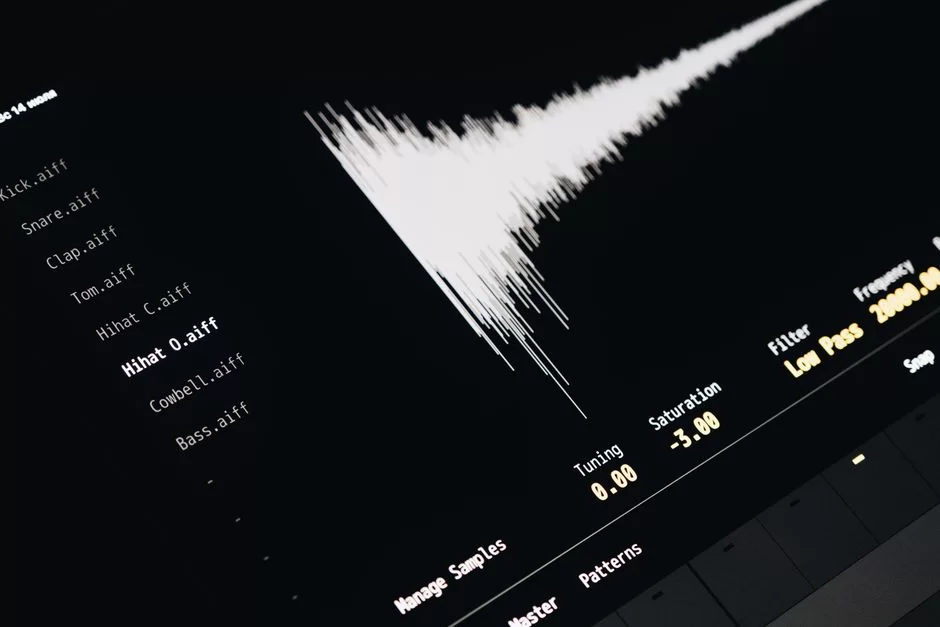
Format wars never end. But you make the right comparison based on your needs. Now I’ll lay out each format’s pros and cons. In my own use, there’s room for all of them.
What is the Best Music Format for Phones and Computers?
| Format | Type | Phone Support | Storage Efficiency | Best Use |
|---|---|---|---|---|
| MP3 | Lossy | Excellent | High | Daily listening |
| AAC | Lossy | Leader on iOS | Close to MP3 | Apple ecosystem |
| Opus | Lossy | Good on Android | Leader at low bit | Streaming |
| FLAC | Lossless | Supported, takes space | Low | Archive |
| WAV | Uncompressed | Unnecessary outside the studio | Lowest | Production |
The best music format for a phone depends on the scenario. The balance of MP3 pros and cons still wins. It’s battery-friendly and runs smoothly on every app.
If you ask about MP3 vs. Opus, Opus is amazing at 64 kbps. But its hardware support isn’t as broad as MP3’s.
Moving to Lossless: Will FLAC and ALAC Replace MP3?
FLAC and ALAC preserve studio quality bit for bit. The difference between MP3 and FLAC shows up right away in file size.
A FLAC album is 300 MB, while the same album in 320 kbps MP3 is 100 MB. However, as storage gets cheaper, this gap matters less.
The question “MP3 vs FLAC, which is better?” is out of context. Use FLAC in the studio, MP3 on the road. Both serve the same purpose.
Many listeners I blind-tested couldn’t tell 320 kbps MP3 from lossless. This shows how successful the format still is.
The Sociocultural and Environmental Impact of MP3: From Piracy to Podcasts
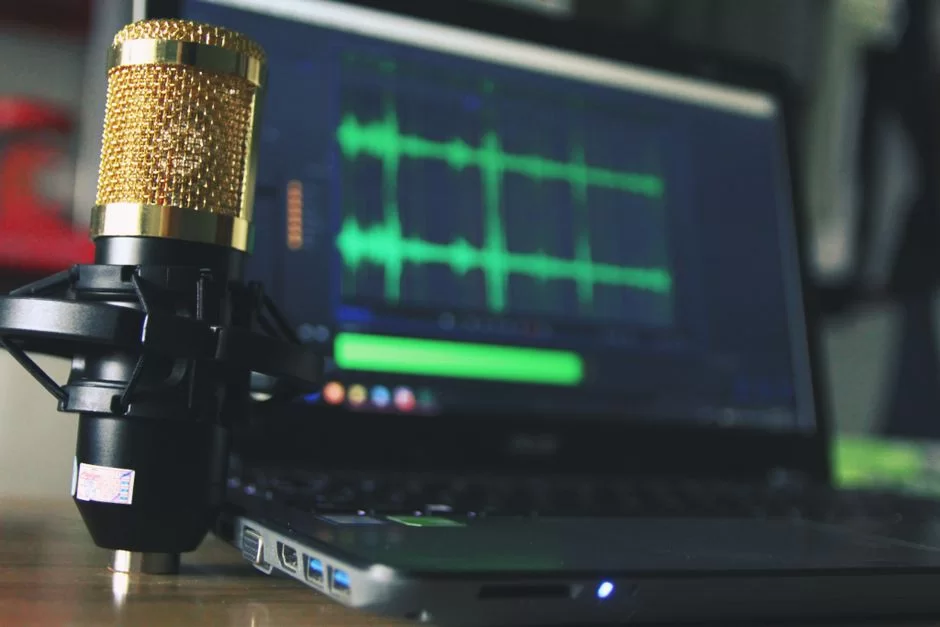
MP3 is not just a technical format; it’s a symbol of a cultural revolution. The impact on today’s digital music industry was shaped by the pirate sharing networks of the ’90s. Also, we must now talk about the carbon footprint of billions of streams.
The multimedia ecosystem combines sound, image, and text. MP3 is just one part of this big picture. Looking at it this way, it’s clearer: each file type serves a different need.
Napster, Winamp, and the Golden Age of Pirate Music in the USA
The Napster MP3 revolution shook the music industry to its core. Shawn Fanning’s P2P sharing network opened millions of songs to free access. The history of MP3 and pirate culture in the USA, however, has a whole different color.
In the early 2000s, we shared MP3s via encrypted emails on Hotmail. Then, networks like LimeWire and DC++ exploded.
Back then, we argued about the difference between a Discman and an MP3 player. In truth, the difference was freedom from skipping and the power to carry 100 songs.
- Why did pirate music sites shut down? Due to copyright law and BTK blockades.
- What was the impact? The digital literacy it created laid the groundwork for today’s local streaming platforms.
Today, thanks to Spotify and Apple Music, piracy’s charm has faded. But the archives from that era still sit on many people’s external drives.
The Hidden Cost of Digital Music Streaming: Carbon Footprint
People think streaming services are green because they ended physical media. The truth is the opposite. Based on 2025 data, global music streaming releases huge carbon emissions. It produces 350 million kilograms each year.
This figure is far higher than plastic CD production because data centers and mobile networks consume massive energy.
With this in mind, I use 192 kbps VBR on mobile. Unless my headphones are good enough, I can’t justify the ecological cost of a high bitrate. Plus, offline storage also lowers the carbon footprint.
Further Reading Resources on the MPEG-1 Audio Layer 3 Format
All the tech details I’ve shared rest on top institutional publications. They represent leading voices in the field. For a deeper technical dive, I strongly suggest the resources below.
- On the official Fraunhofer IIS site, the technical details of the coding algorithm are explained by the most authoritative voice. The psychoacoustic modeling section, in particular, is eye-opening.
- Also, the official LAME project documentation presents all command settings and byte reservoir optimizations in detail. It’s a bedside resource for professional encoding.
- For an academic view, I advise you to check out peer-reviewed papers on compression artifacts and their perceptual effects in the AES (Audio Engineering Society) library.
The 10 Questions Digital Music Enthusiasts Ask Most
What is the difference between MP3 and MP4?
Can the human ear really tell the difference between 128 kbps and 320 kbps MP3?
Does Spotify or Apple Music use MP3?
Can MP3 files get a virus?
If I convert a low-quality MP3 file to 320 kbps, does the sound quality improve?
What are the best MP3 settings for a podcast?
Is the MP3 format officially dead?
How can I transfer MP3 files from my computer to my iPhone?
How can I make a ringtone from an MP3?
Can I separate vocals from an MP3 using AI?
Conclusion: Should We Keep Using MP3 in 2026?
At the end of this long talk, I owe you a clear answer. Yes, you should keep using MP3. But you must use it smartly.
For instance, you can choose 96 kbps mono for podcasts. Besides that, you use VBR V0 for a music archive, and 128 kbps CBR for a ringtone. Everything depends on the context.
This format isn’t living its closing chapter; it’s living its mature stage. There’s no license hassle now, and no compatibility issues. Plus, it’s never been easier to control quality with AI tools and spectral analysis. So, turning this know-how into an advantage is in your hands.

Be the first to share your comment