

Cisco has built several ways to boost the speed of the standard Spanning Tree rules. These ways include PortFast, which gives fast endport link, UplinkFast, which gives quick switch on spare lines, and BackboneFast.

Understanding BackboneFast in STP
We use the STP protocol to block loops that may occur in Layer 2 switches in a redundant network environment. The STP protocol also finds alternatives to link failures. As a result, with the Spanning Tree Protocol, we can continue our business without having too many delays on the network.
However, we face some performance problems compared to the standard STP method. STP convergence (convergence/integration) takes 50 seconds by default as a result of a cable error occurring in the STP network. For example, a Server farm that does severe work is absolutely unacceptable to remain down for 50 seconds.
When configuring Switches in a Layer 2 network with redundant routes, we need to configure the Spanning Tree Protocol properly. For example, a client connected to the Switch can be configured as a PortFast port that the Switch is connected to by excluding it from the STP convergence process.
Another example is that by enabling UplinkFast on Switch with Blocking Port, we can achieve faster convergence.
This feature is also used to recover an indirect link error. What is an indirect link error? If we answer the question, the sudden failure of the cable between the two Switches is an indirect link error.
How Does Backbonefast Work?
In the below image, an indirect link error will occur when the link between Switch0 and Switch1 is abruptly interrupted. Switch 1 will determine a link fault for the directly connected cable and will assume the Root Bridge does not receive any BPDU from the Root Bridge.

Switch1 sends a BPDU packet to Switch2, telling them that it is the new Root Bridge. Switch2, receiving the BPDU package, realizes that this package is a new BPDU package and understands that this package is inferior when compared to the old BPDU. It will then cancel the new BPDU package.
As a result, Switch2 will start the max age timer (default 20 seconds) for the old BPDU packet. At the end of this period, Switch2 will receive the interface to Switch1 from Blocking mode to Listening mode and send a BPDU packet to Switch1. Switch1 will notice that Switch2 is not the Root Bridge and will not send BPDU packets again.
Switch2 will be in Forwarding mode by continuing from the Listening mode. And as a result of all this, a total of 50 seconds will pass.
The STP BackboneFast feature will reduce the delay here from 50 seconds to 30 seconds. By activating this feature on all Switches in the above image, the max-age timer duration is skipped. So, the max-age timer will not be activated, and we will save 20 seconds from this process.
What is an Inferior Packet?
If any Switch on the network is receiving an inferior packet, it means that the adjacent Switch has lost its Root Bridge connection. When it can not reach a Switch to the Root Bridge, it sends an inferior packet to its neighbor.
Enabling and Verifying the BackboneFast Feature
Execute the following command in Global Config mode to enable this protocol on Cisco Switches.
Switch# conf t
Switch(config)# spanning-tree backbonefast
To verify the operation, you can use the show command below in Privileged mode.
Switch# show spanning-tree backbonefast
Video
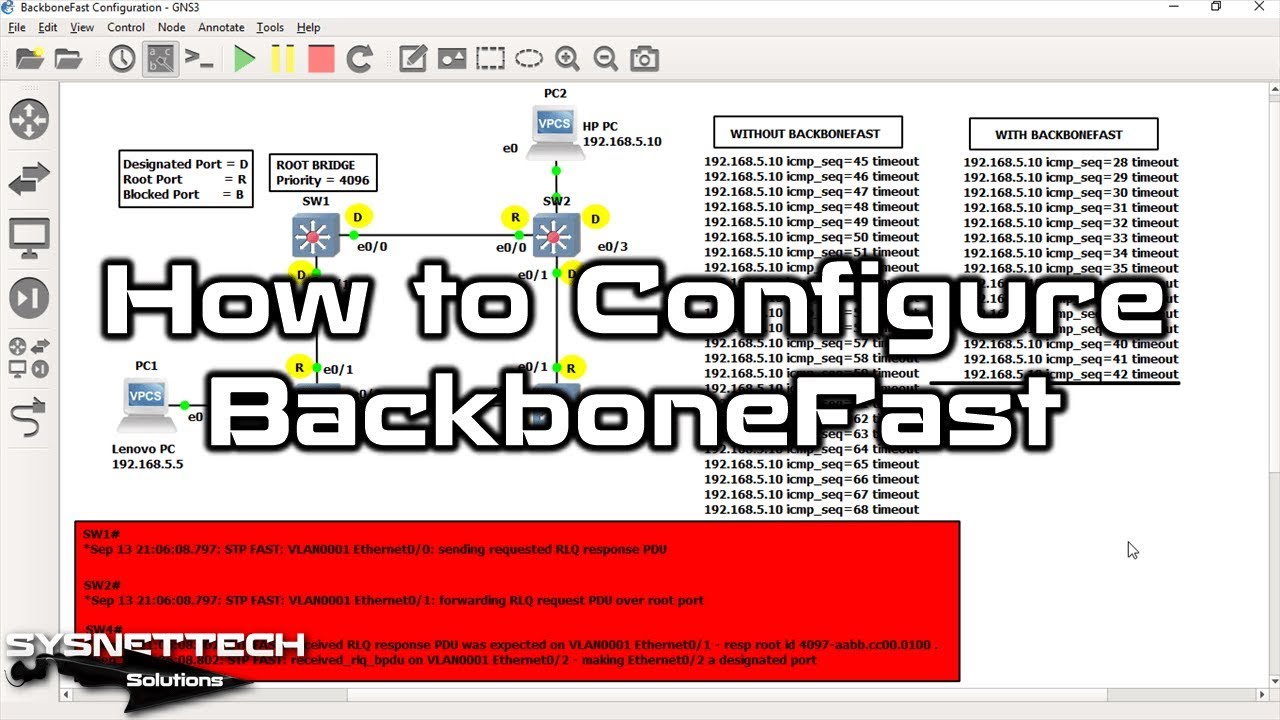
You can watch the video below to activate Backbone-Fast on Switches by using the GNS3 program, and you can also subscribe to our YouTube channel!
FAQ About BackboneFast
Is the 50-second convergence time in standard STP really that terrible?
How do I tell an indirect link failure from a direct failure?
What does an inferior BPDU packet mean and what does it cause on the network?
Exactly which seconds does this backbone improvement feature save me?
What should I do if this Cisco feature does not work in a mixed switch setup?
How do I enable this fast backbone feature from the command line and verify it?
Conclusion
The PortFast, UplinkFast, and BackboneFast features used on Cisco Switches are specific to Cisco and cannot be used for other network devices.
If you are using the standard STP protocol on your network, enabling this feature is recommended. You can also use the Rapid Spanning Tree Protocol, which gathers all the features covered by the standard one under a single protocol.

Be the first to share your comment