

TFTP (Trivial File Transfer Protocol) is a file transfer protocol associated with UDP-based port 69 that does not provide any security.

What is TFTP?
The TFTP protocol was used before the FTP protocol. This protocol is an old protocol published by Karen R. Sollins in 1981.
Disabling this service is mandatory on most systems. Its primary use is to boot diskless stations or routers over the network because the simplicity of the protocol allows it to be implemented on a chip, and only in this case is the service provided.
The reason for calling a file transfer junk is that there is no security in file transfer. There is no authentication process, such as the FTP protocol. The purpose of this protocol is only to transfer files. It is also used to transfer the files that some systems or devices need during the first boot.
TFTP transfers data on the network using the UDP protocol and uses port 69. It does not have features such as file listing, file deletion, changing file name, and file control provided by other file transfer protocols.
When a file is transferred over a network, no file checking is done. Since it uses a connectionless communication protocol, it does not check whether the files are moved or not. In addition, the TCP protocol checks the files.
In the TCP communication structure, files that are not transmitted by the handshake control are sent again. However, the TFTP protocol does not provide this process.
TFTP Advantages
The advantages of using this protocol are;
- It is a fast file transfer protocol.
- Network device configuration files can be easily transferred using this protocol.
- It can be easily used with 3rd party software on Windows and Linux operating systems.
- This protocol is recommended where it is not necessary to use FTP.
- Uses UDP as the transport protocol (unlike FTP, which uses TCP port 21).
- Used to read or write files from the remote server.
- It supports three different transmission modes: “netascii,” “octet,” and “mail.”
TFTP Disadvantages
The disadvantages of this protocol are;
- It is an unsecured file transfer protocol.
- It does not provide file security compared to FTP.
- It performs file transfer and file transfer only.
- There is no authentication or encryption mechanism.
- It does not list the contents of directories.
How Does It Work?
Since TFTP uses UDP, it is considered a client-server that opens port 69 in UDP mode and connects, but there is no official definition of the session, client, or server. However, each file transmitted over TFTP creates an independent packet exchange, and there is an informal client-server relationship between the machine that initiates communication and the machine that responds.
- Machine A, which initiates communication, sends an RRQ or WRQ packet to machine B, which contains the file name and transfer mode.
- B responds with an ACK packet to inform machine A that it will have to send the remaining packets from the port on B.
- The source machine sends numbered data packets to the target machine, the last of which contains 512 bytes of data. The target machine responds with numbered ACK packets for all data packets.
- The final data packet must contain less than 512 bytes of data to indicate that it is the last data packet. If the size of the transferred file is exactly a multiple of 512 bytes, the source sends a final packet containing 0 bytes of data.
Packets
There are only five types of packages:
- Request to Read (RRQ)
- Write Request (WRQ)
- Data (DATA)
- Recognition (ACK)
- Error (ERROR)
File Transfer Server Setup
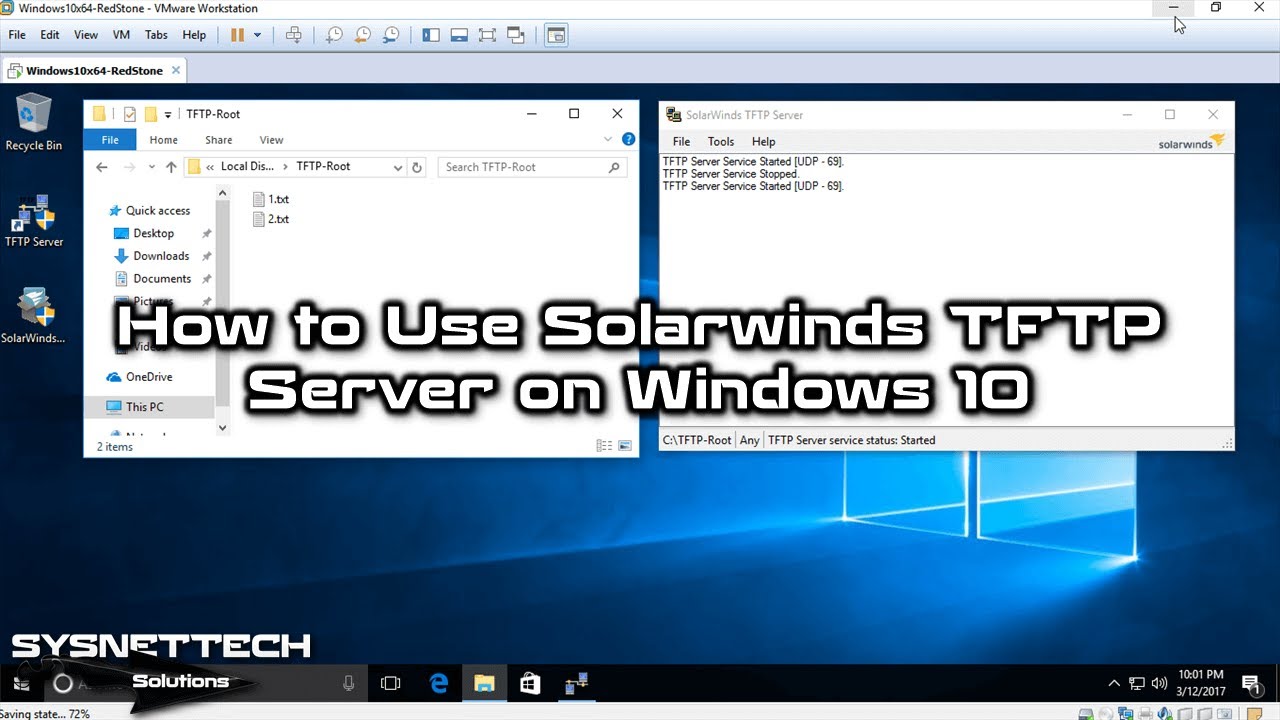
You can use the SolarWinds program as a server solution on your Windows 10 computer. Thus, you can set up and run a TFTP server on your host system.
By installing a file server on Windows 10, you can watch the video to make a simple file transfer, and also subscribe to our YouTube channel!
Conclusion
In this article, we have defined the TFTP protocol and concluded that its purpose is only to transfer files. You can also decide whether to use this protocol, taking into account its advantages and disadvantages. Thanks for following us!

Be the first to share your comment