

Switches used in computer networks are network devices that enable multiple computers and printers to communicate with each other.
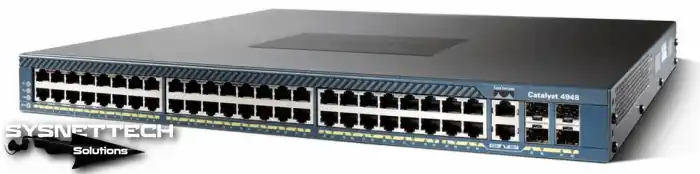
Ethernet Switch
Switches used in computer networks allow communication between one or more computers or other devices. The most basic operating principle of the switches is to filter and forward IP packets to the target computer.
Switches use a MAC address table (CAM table) to record the MAC addresses and IP addresses of the computers on the network. The first computer to send a file will have to save the MAC address and IP address of the target computer into the IP Packet. However, if the sending computer does not know the MAC address of the target computer, it broadcasts an ARP (Address Resolution Protocol) to the network environment.
As a result, the MAC address information of the target computer is obtained and written to the MAC address table. It will send the target computer directly without ARP broadcast on the following new packet transmissions.
The switches also start working when the power cable is plugged in. It has multiple ports and uses the CSMA/CD mechanism to prevent Collision situations.
Which Layer Does the Switch Operate In?
A LAN is created using the switches, and these LANs can be separated from each other by the routers. The switches work in layers 2 and 3 of the OSI model.
Layer 2 Switches
Layer 2 Switches are hardware-based, and all ports transmit packets according to cable speed. It also uses the MAC address table to forward IP packets.
Layer 2 devices can only send IP packets to computers in the same IP block.
Layer 3 Switches
Layer 3 SW uses both hardware-based switching and hardware-based routing. Layer 3 switching is done by integrated circuit ASIC hardware. Frame forwarding and Packet forwarding are also transmitted using ASIC hardware.
Layer 3 can also forward packets to different IP blocks. Layer 3 can also be thought of as a router. Layer 3 Switches store source and destination routing information in the cache after the initial redirection. On subsequent packet submissions, it retrieves this information from the cache and transmits it quickly without the need for a redirect.
Layer 3 devices are more potent than Routers with this cache feature.
- Layer 2 Device;

- Layer 3 Device;
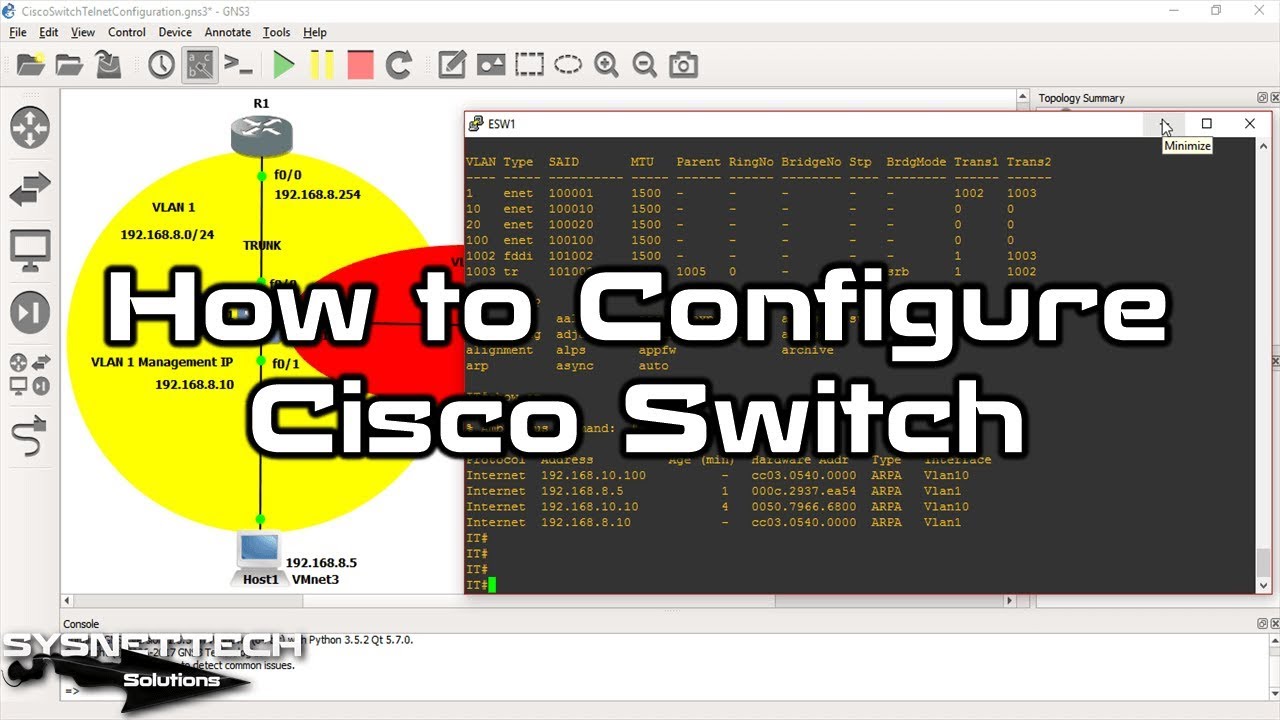
Basic Cisco L2 Configuration ⇒ Video
You can watch the Cisco Layer 2 SW configuration using the GNS3 network simulator program, and also subscribe to our YouTube channel to support us!
Conclusion
L2 and L3 models are typically used in medium-sized or large business networks. A home user generally does not need an L3 device. Thanks for following us!

Be the first to share your comment