

Virtualization uses the hardware of one physical server. It makes better use of resources and improves how things run. This technology lets many virtual machines (VMs) work at the same time. So, users can better use the CPU, memory, and storage.
With hardware-assisted virtualization, like Intel’s VT-x, users make separate spaces. Each VM acts like its own physical machine. It has its own operating system and apps. This ability puts servers together well. Also, it improves growth and change. And, it lets new services start fast without new hardware.
Also, virtualization makes disaster recovery, testing, and development simple. VMs can be easily backed up, copied, or moved. This needs minimal downtime or extra resources. In all, it is a strong plan for better IT work and lower costs in today’s computing.
What is Virtualization Technology?
Virtualization in the information technology world helps reduce the cost of IT resources for both small and large companies. Using more than one Server in a network topology increases IT costs. Therefore, companies with more than one Server use Virtualization Technologies to minimize IT costs.
With VT-x, you can share hardware devices, such as the CPU, RAM, and Display Card, of a server for multiple virtual machines. As a result, you will have more than one running virtual machine on a single server, and you will reduce your IT equipment expenses.
At the core of virtualization lies the hypervisor layer. This software shares hardware parts to virtual machines. The truth is, this is where safety is mostly in charge. Knowing the gap between Type-1 and Type-2 will give you great insight. In a well-set space, keeping things apart works with no flaw.
History of Virtualization
It dates from the 1960s to the present day. At the beginning of the 1960s, the IBM firm introduced Time-Sharing technology after considerable effort and development. Time-sharing is the everyday use of computer resources among multiple users. It aimed to increase the productivity of both user and shared computer resources.
Due to the high hardware requirements, IBM began designing mainframe computers that were designed to be compatible with other systems over the years.
VMware introduced x86 systems in 1999, as physical infrastructure costs and user desktop computer maintenance rates increased, and due to insufficient recovery activities. However, this platform was not Full VT. In the following years, VMware introduced two new products, ESX Server and GSX Server, in 2001.
With the GSX Server, users can only run virtual machines on the operating system. In the following years, necessary steps were taken to run virtual machines directly on the hardware, eliminating the need for an operating system, by utilizing ESX Server.
Virtualization technologies have made rapid progress over time, and since 2010, cloud technologies have become increasingly widespread.
What are Virtualization Types?
Virtualization Technology (VT-x) is not only used for virtual machines, but it is also utilized in many other areas. Let’s explain the types/varieties of virtualization.
Server Virtualization
It is the type of VT-x most commonly used in the information technology sector. Server VT-x software can be installed on a single physical server, allowing multiple virtual computers to run on it.
However, with Server VT-x, you do not need to buy new equipment to run other services on the same Server.
Desktop Virtualization
It is a concept that suggests the personal computer desktop environment should be separated from the physical machine using a client-server computer model.
Session Virtualization
It is the concept of establishing a physical or virtual server to log on to the central server, granting the user local or remote permissions. This type of VT-x, also known as Terminal Server, enables connections to the RDP protocol from the local network or over a WAN.
Network Virtualization
It optimizes resource utilization in the network environment, utilizes physical ports efficiently, and provides the highest level of security. For example, we can illustrate the configuration of VLANs for clients at various locations within the local network.
Storage Virtualization
It is the central management of multiple network storage devices from a single location. All storage devices are configured and managed as a single storage device. Storage VT-x simplifies data management and provides advanced storage management and security for IT managers.
VT Infrastructure
The VT operational logic is as follows.
1. The first photo is the state before VT. All hardware resources use a single operating system.
2. The second photo is the state after VT. All shared hardware resources are used by more than one operating system.
 |  |
What are VT Programs?
Each virtual machine must run its own system. This shows the key link between software and hardware. Clearly, grasping virtualization is quite hard without knowing the basic ideas. I suggest looking closely at what operating systems do. Most new steps in the IT world are built around the powers of this layer.
After defining Virtualization Technology, let’s give an example of VT programs. The most commonly used VT programs:
- VMware Workstation
- Oracle VM VirtualBox
- Hyper-V
- VMware Fusion
- Proxmox
- Xen Project
- OpenVZ

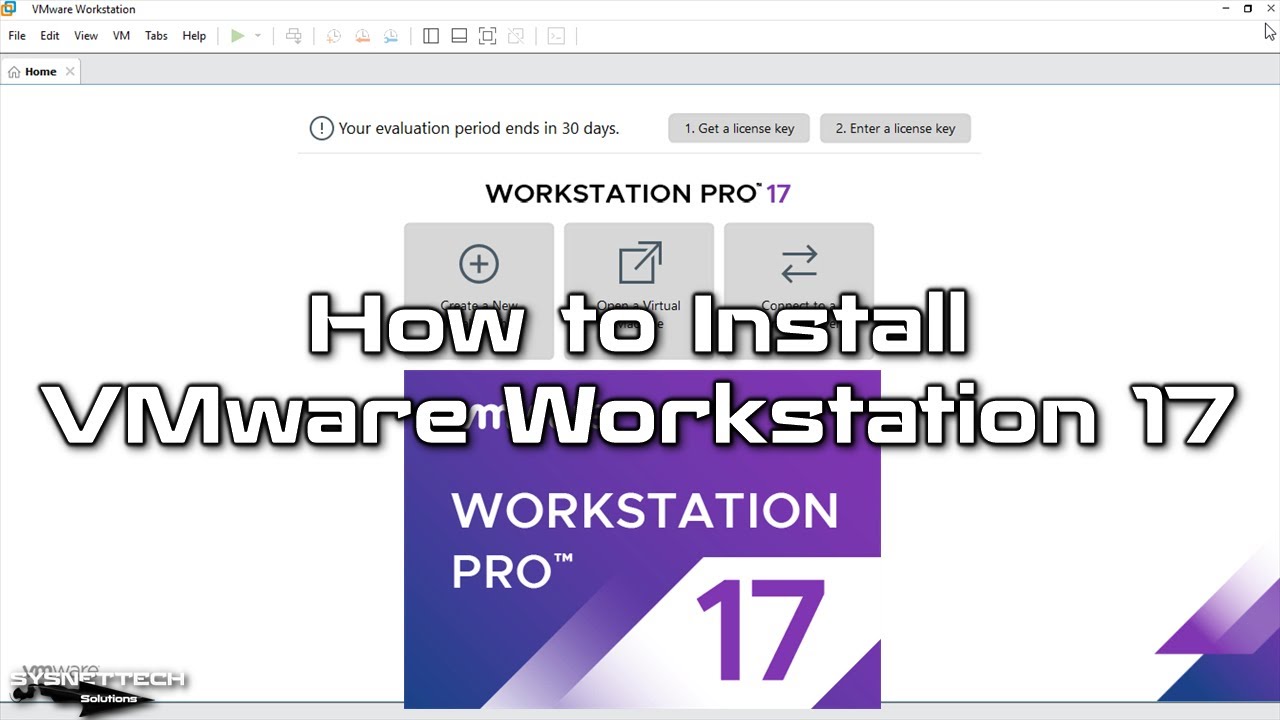
How to Install VMware Workstation Software ⇒ Video
You can watch the video below to learn how to install VMware Workstation software, which enables you to run virtual machines on your computer. Additionally, you can subscribe to our YouTube channel to support us.
For more information on virtualization, please visit Intel’s source.
The Most Common Questions on Your Mind About Virtualization Technology
Is it really safe to run dozens of virtual machines on one physical server?
How much cost advantage does virtualization technology really provide?
What should I pay attention to when choosing between VMware, Hyper-V, and VirtualBox?
It is said that virtualization started with IBM in the 1960s. How is this possible?
How do I simply explain the difference between server virtualization and desktop virtualization?
Are virtual machines really more advantageous than physical servers in disaster recovery scenarios?
Conclusion
In today’s technology age, virtualization (VT) is becoming increasingly critical, and both small and large companies tend to opt for VT solutions to minimize IT equipment costs. In this article, we have discussed virtualization technology.

Be the first to share your comment