

In this guide, I will help you get the macOS Sierra 10.12 ISO file. I suggest using this file with virtual machine tools like VMware and VirtualBox. That is, it means the ISO file lets you run Sierra inside a VM.
I’ll also cover the key features of Sierra. For example, one good part is the better Siri helper. It also has Apple Pay online and new ways to handle files.
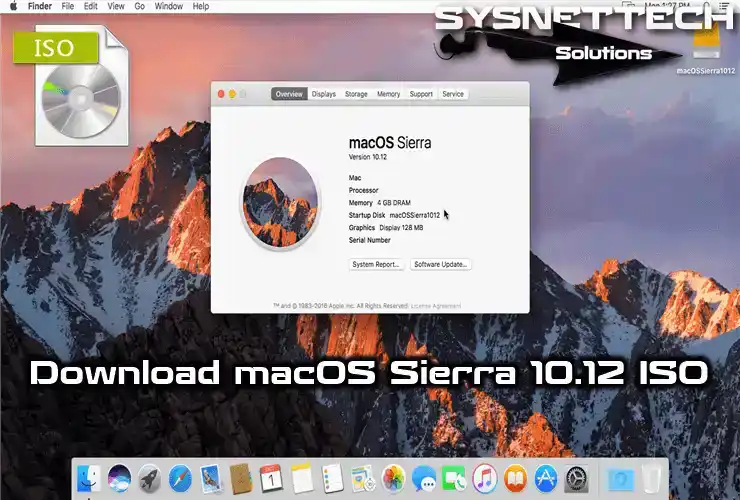
Download macOS Sierra ISO for VirtualBox / VMware Virtual Machine
Apple added a new system named macOS Sierra to its group. You can get the newest one and test it on your computer with a virtual machine.
First, get the 10.12 ISO disk image onto your computer. Next, make a virtual Mac using VMware or VirtualBox. Then, you can begin to install the macOS system.
We first got this installer file from Apple’s website using the App Store. We then changed it to an ISO file using the terminal and put it online for you. You can fix the Sierra system with this file or use it in a virtual PC to test its new tools.
You can use VMware software to install and test. For example, you can pick the Workstation or Player versions. But a Workstation costs money. On the other hand, the Player version is totally free.
But, if you want to use another program, we suggest Oracle’s VirtualBox. Its best part is that it costs nothing.
New Features Coming with Sierra
Apple shared macOS 10.12 with many Mac users on September 20, 2016. They brought in some cool new things in this system that got a lot of people excited:
- Siri Integration
Apple brought in a new thing called Siri with Sierra. It’s a voice assistant that allows you to talk to your computer. Therefore, this is super handy, especially when searching the Internet.
- Storage Enhancements
Apple also made iCloud better to save space and keep backups safe. For example, you can save your files to iCloud automatically for safety, instead of storing them on your computer.
- Sign In with Apple Watch
Now, you can speed up the login process using your Apple Watch. Moreover, you can permit an app to use your watch through System Preferences > Security & Privacy. Plus, you can unlock your Mac with just one touch.
- Auto Unlock
Likewise, you can make it so your Apple Watch unlocks your Mac without typing in a password. To make this work, your watch and Mac must use the same Apple ID.
System Innovations
- Metal Graphics API Support
Apple wants to make things faster at the primary level with its Metal graphics API in different products. So, it helps make graphics work better and fits the hardware and software together, like Vulkan or DirectX.
- Picture-in-Picture Mode
One of the great features introduced with Sierra is the Picture-in-Picture feature. This lets you watch a video in a little window while working on your Mac.
- Apple File System (APFS)
To make managing your computer’s storage better and faster, Apple made its file system called APFS. As a result, if you choose APFS when installing the system, things will run smoother. Additionally, APFS makes things faster and keeps your system more secure.
Download macOS 10.12 Image File
First, explore these features and innovations. Then, click the button to download the Sierra ISO file. You can do this for both Mac and Windows computers.
If you need newer versions, check out the list below. Then, you can visit our guide who’s right for you.
You have another way to update your Mac. You can do this through the App Store. Because of this, we suggest reading our guide for updating macOS.
Frequently Asked Questions (FAQ) About macOS Sierra
- Where can I download the macOS Sierra 10.12 ISO archive?
- What new features did Apple introduce in Sierra?
- What should I do if my Mac is running slowly after upgrading to version 10.12?
Conclusion
To finish, Sierra 10.12 is a huge move ahead. Apple keeps adding many new things to its system. Also, we see more new ideas than before to make it better.
Siri working everywhere is a huge plus. Also, it has the new Apple File System. This update tries to make our work even easier. I also think it makes our Mac do more things.
To try these features without risk, use a virtual machine such as VMware or VirtualBox. Also, if you are thinking about updating your Mac, Sierra is a good option. So, it is certainly worth testing!
Technology keeps changing, as we all know, so you must stay up to date with the newest ideas. Because of this, get ready to try everything macOS Sierra can do to make the best use of your devices.

1 Reader Comment
These are all HIGH SIERRA… not SIERRA duh!?